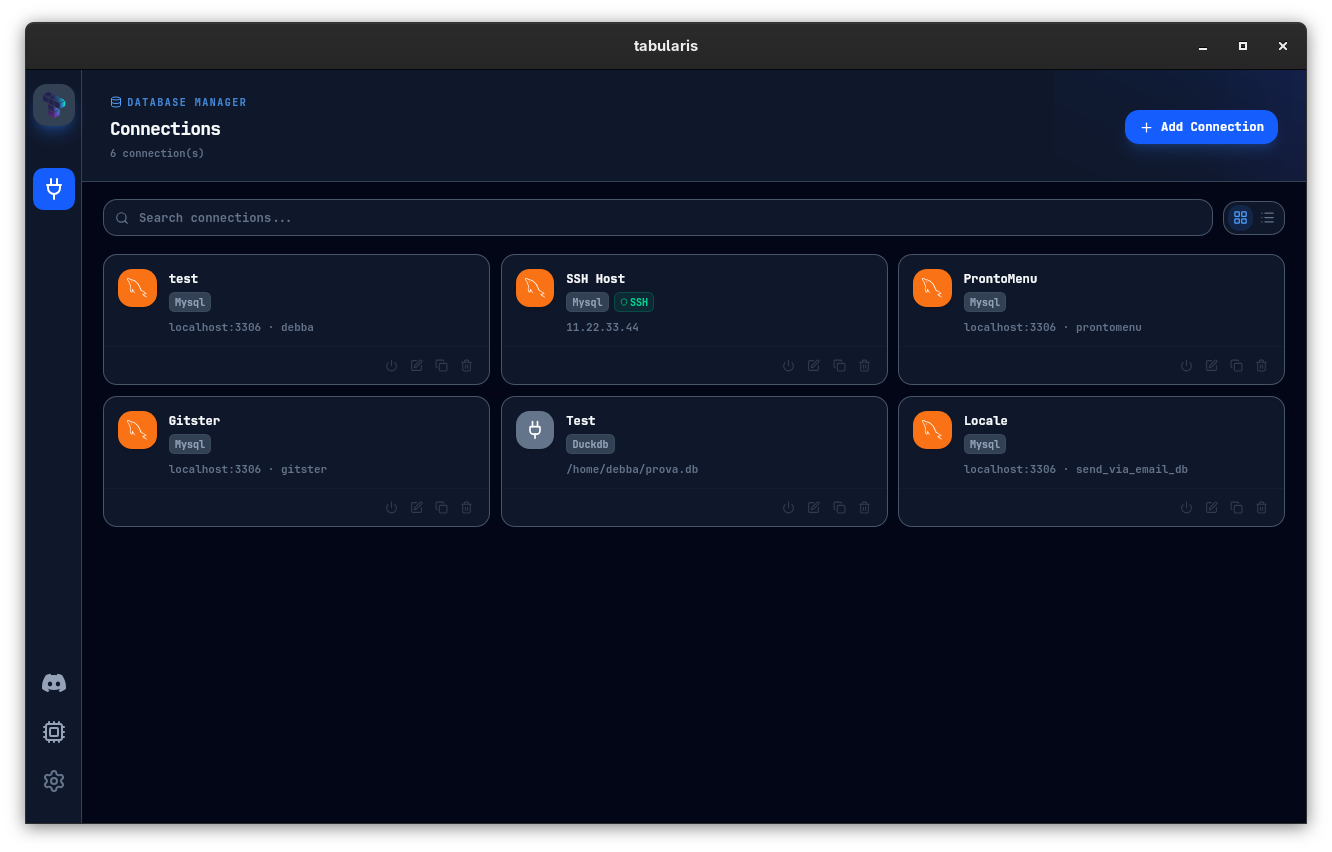
Tabularis is a free, open-source desktop SQL workspace for developers and teams that combines a modern Monaco SQL editor, data grid, visual query builder, SQL notebooks, and a plugin-based engine ecosystem. It supports PostgreSQL, MySQL/MariaDB, SQLite out of the box and many more engines via language-agnostic plugins. With a built-in MCP server, Tabularis enables compatible AI agents to inspect schemas and run queries securely, while maintaining a local-first workflow with SSH tunneling and system keychain storage.
Tabularis — Open-Source Desktop SQL Workspace
Tabularis is a modern, open-source desktop client for working with databases. Built as a fast, secure, and extensible environment, it puts powerful SQL tooling in a single place—designed for today’s workflows where humans and AI agents collaborate on data.
Why Tabularis
- Open-source, Apache 2.0 licensed
- Desktop-first experience that keeps your data on your machine
- Multi-engine support out of the box, with additional engines via plugins
- MCP-native: an integrated Model Context Protocol server lets AI agents inspect schemas and run queries safely inside Tabularis
Core workflow
- Install, connect, and get productive quickly
- Manage multiple connections from a single app
- Rich editor, data grid, and visual tooling that work together
- AI-assisted workflows that stay inside your environment and protect credentials
Key features
- Multi-Database Support: Work across PostgreSQL, MySQL/MariaDB, and SQLite with one consistent interface; expand with community plugins.
- Modern SQL Editor: Monaco-based editor with tabs, history, syntax highlighting, and precise execution controls.
- Data Grid: Inspect, filter, and edit result sets inline; edit rows, copy selections, and export to JSON/CSV in one flow.
- SQL Notebooks: Reusable SQL + Markdown notebooks with inline charts, variables, and parameters for repeatable analytics.
- Visual Query Builder: Build joins and filters visually, then inspect the generated SQL.
- Visual EXPLAIN: Turn execution plans into interactive graphs and tables; AI suggestions help pinpoint costly operations.
- ER & Schema Tools: Inline table/column editing, guided schema dialogs, and interactive ER diagrams.
- Task Manager: Monitor plugin processes in real time, with controls to restart or kill as needed.
- SSH Tunneling & Security: Reach remote databases securely; secrets stay in your system keychain.
- Split View: Open multiple connections side by side in a resizable layout for quick comparisons.
- SQL Dump & Import: Export full SQL dumps and re-import with guided flows for backups and migrations.
- AI Assistant (Experimental): Draft, explain, and refine SQL with providers you trust (OpenAI, Anthropic, OpenRouter, Ollama).
- MCP Server: Use the built-in MCP server to let compatible AI tools read schemas and act on databases through Tabularis.
- Plugins Ecosystem: Extend engines and workflows via JSON-RPC plugins; hot-install without restarting the app.
Platform & architecture
- Rust + Tauri backend, React 19 frontend
- Native desktop experience with robust security and offline usability
- Local-first design: data and credentials stay on your device; supports SSH and keychain storage
Extensibility and ecosystem
- Plugin-driven database workflows: add drivers and integrations without changing the core
- Plugin registry includes DuckDB, CSV Folder, Redis, and many more
- Bounty Board to fund new drivers and features, bringing community-driven growth
Use cases
- Developers and DBAs who want a modern, capable SQL workspace
- Teams requiring secure, local-first access with easy collaboration through shared workflows
- AI-powered data work: safe schema access and query execution inside a trusted desktop app
- Data analysts building notebooks and visual analyses that stay connected to live databases